
Tools
AI product video tools for sellers
Each page here covers one job you can do on a product clip you filmed yourself: put the product on a new set, swap in a different product or a new version of it, or render the edit with the HD model for close-ups and shiny surfaces. They all use the same studio: upload an MP4 or MOV, trim the seconds that sell the product, pick a task, add a reference photo or a preset and check a preview frame before you render. People in the clip are never changed.
Updated
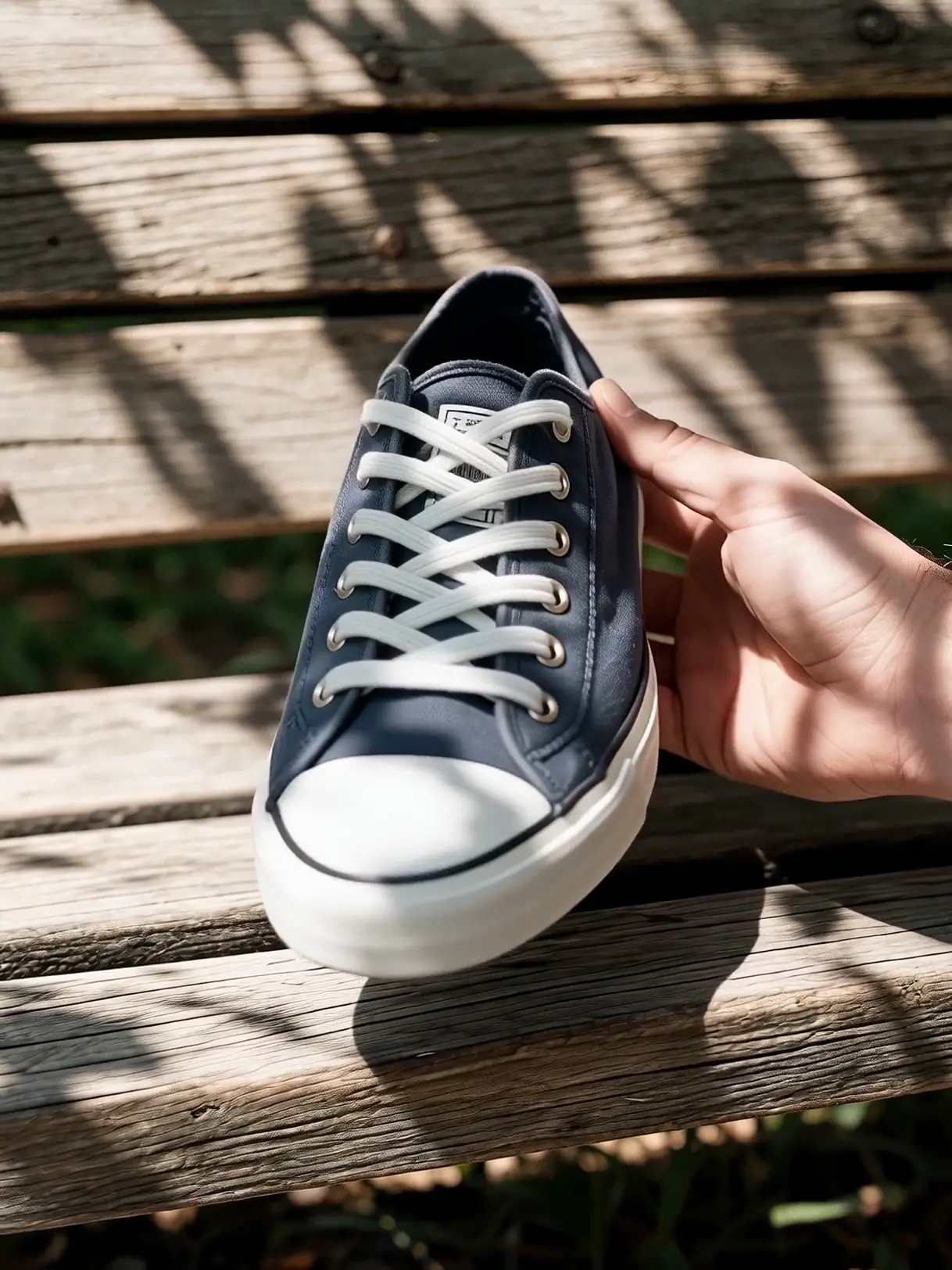
Video background changer for product clips
This video background changer moves your product to a new set without a reshoot. Upload a short clip of the product on your desk, in a hand or on a shelf, trim the 3 to 10 seconds you want and choose Change set. Then pick a preset set, such as a white studio sweep, a marble vanity or a café table, or add a photo of a set of your own. The setting around the product changes in every frame, with shadows and reflections to match, while the product, the hands holding it and the camera move stay as you filmed them. A preview frame shows the new set on one still before you pay for the video.
Open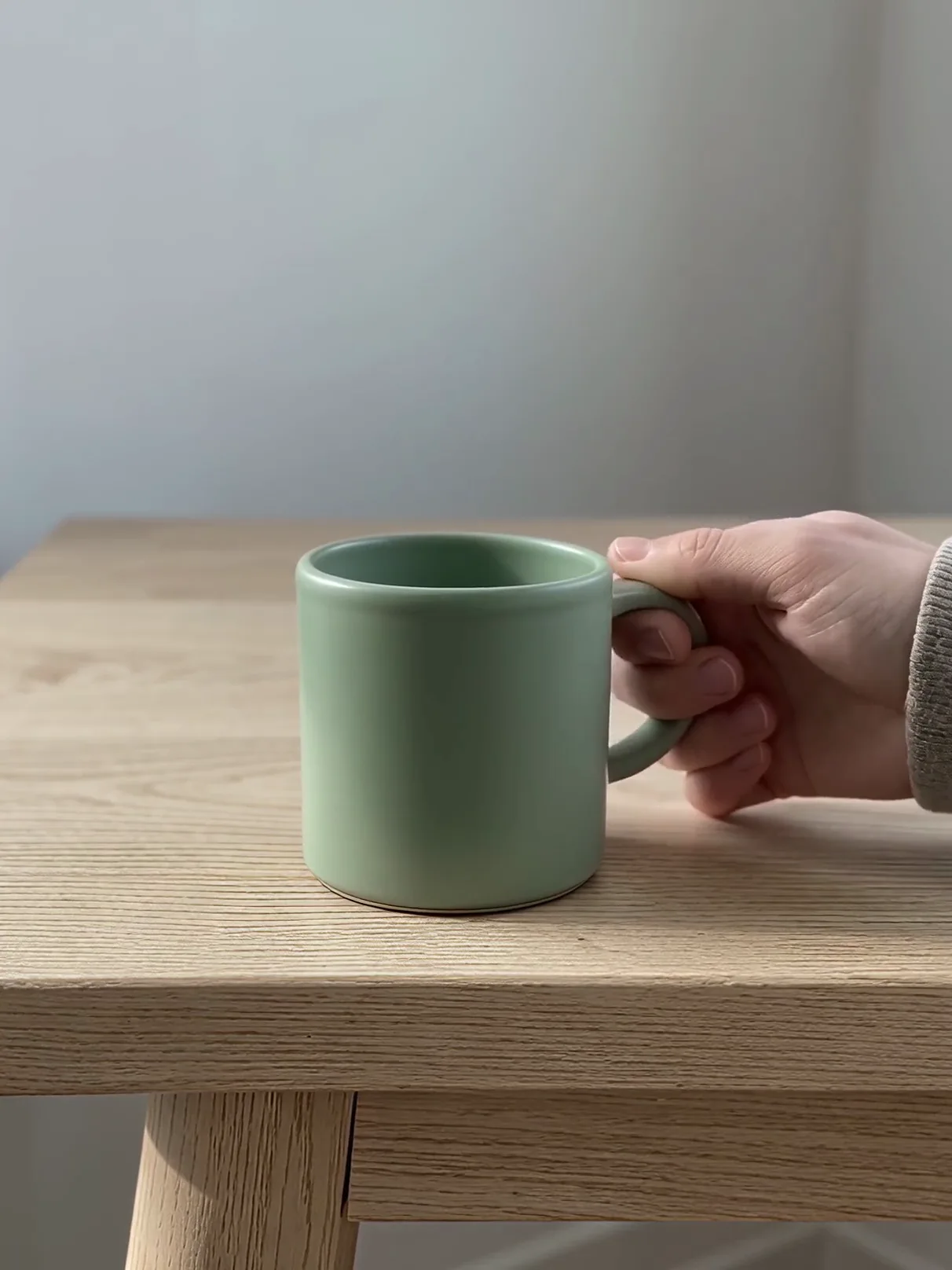
AI product video generator that starts from your own take
This AI product video generator does not invent a product from a prompt. It starts from a 3 to 10 second clip you filmed of a real product, in a hand, on a table or on a shelf, and makes the variants a listing needs: the same take with a different product swapped in, the product in up to six colourways, or the box and label redone with new packaging art. The hands, the camera move and the light stay as you shot them, so every variant still looks like real footage. A preview frame shows each change on one still before you render.
Open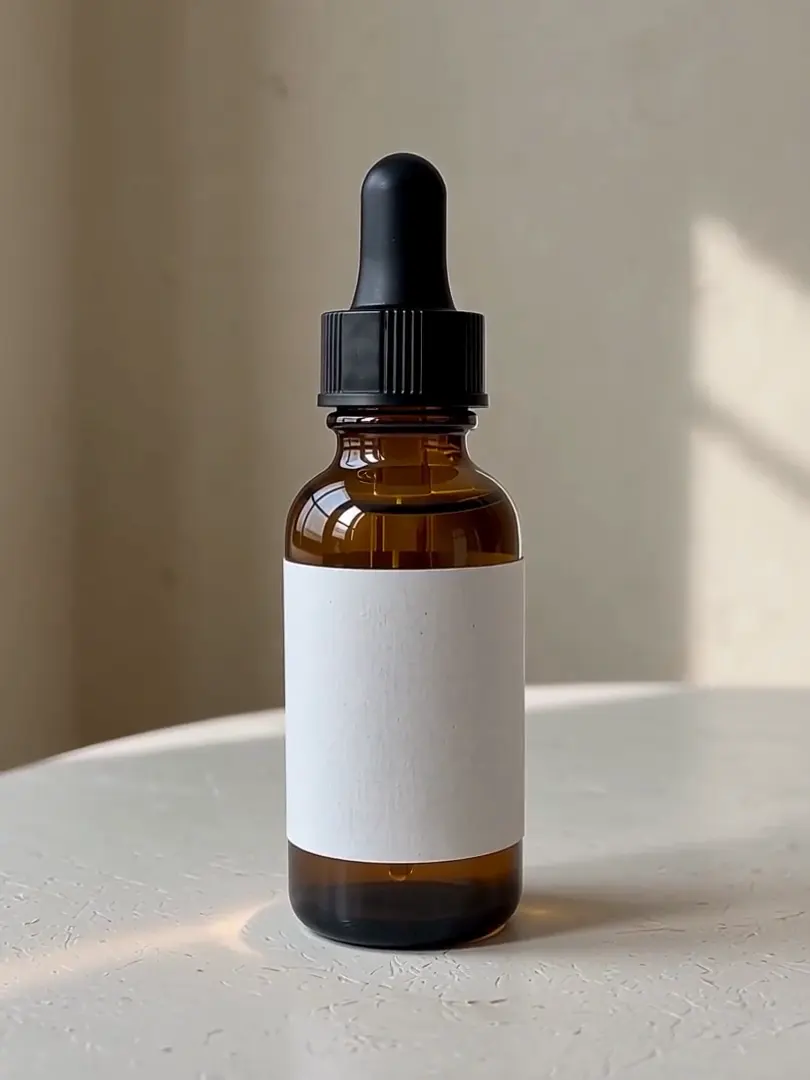
HappyHorse AI video edit for product clips
HappyHorse 1.0 is Alibaba’s video model, and its video-edit mode rewrites an existing clip from an instruction and reference images. On unividai.com it is the HD quality of the product studio: upload a 3 to 10 second product clip, pick Swap product, Change set, Colourways or Packaging refresh, choose HD and the edit runs on HappyHorse 1.0 video-edit at 720p or 1080p. This page is about editing clips you filmed; it does not generate videos from text. A preview frame shows the edit on one still before you render.
Open