AI product video generator that starts from your own take

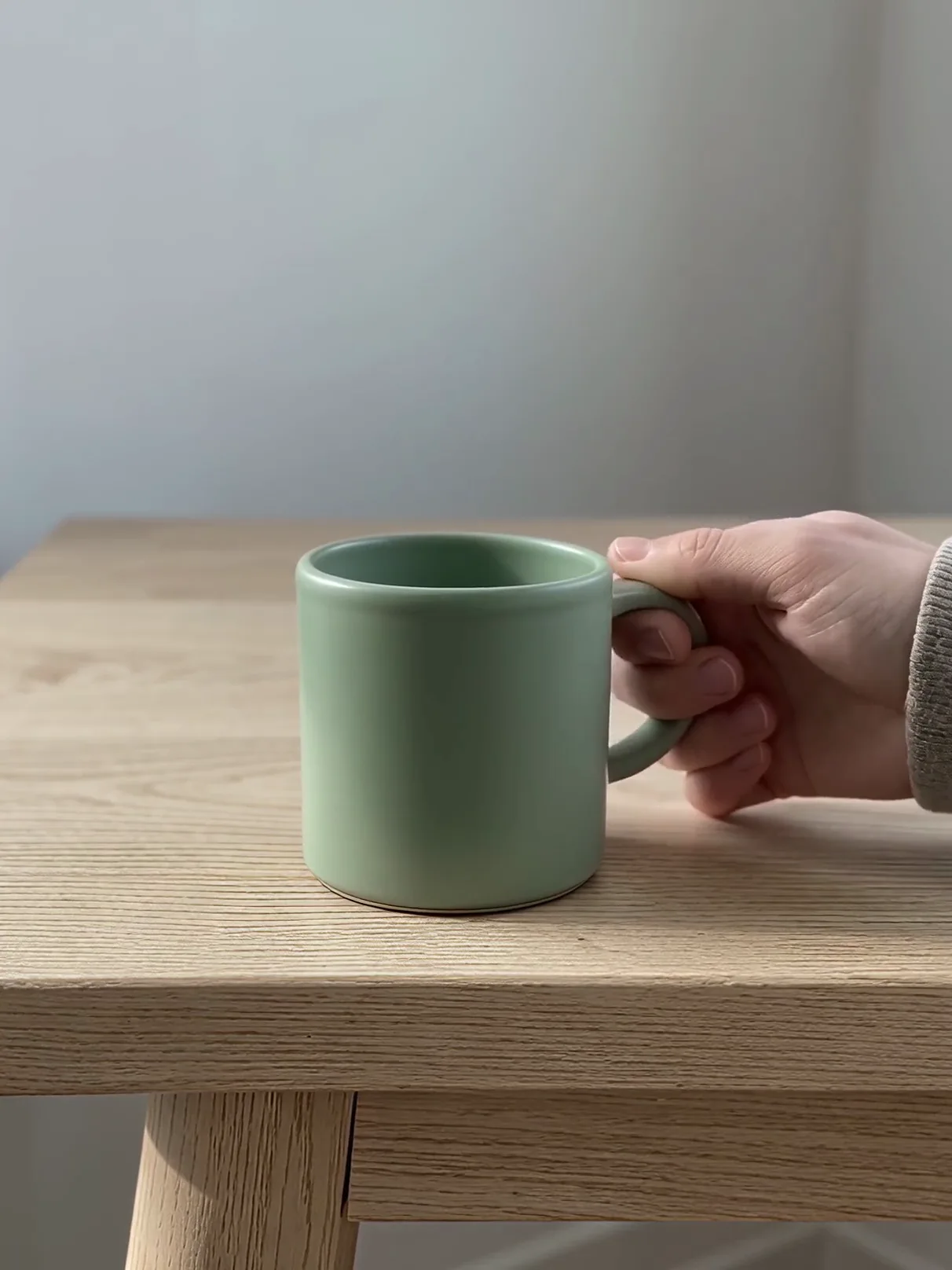
A hand turning a ceramic mug on a wooden table, after the Colourways edit
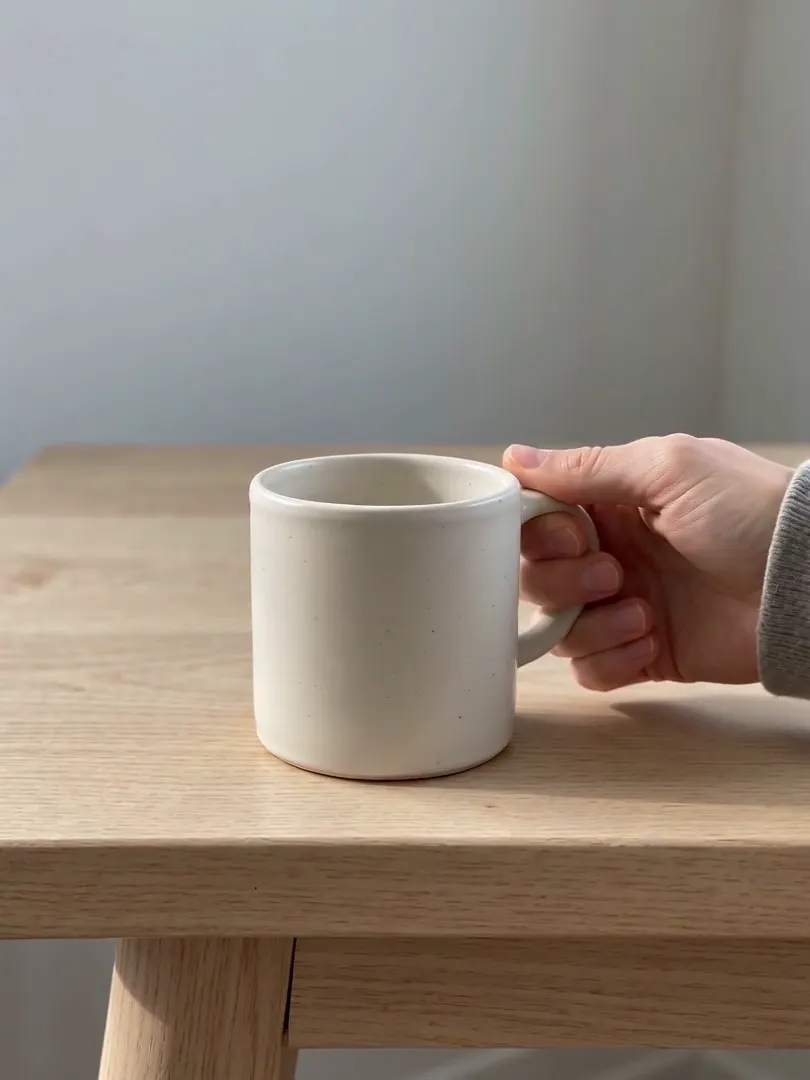
A hand turning a ceramic mug on a wooden table, original shot
OriginalEdited
Colourways: sage green
Colourways · sage green

Drop a clip to edit

MP4 or MOV, up to 95 MB. Edits take 3 to 10 seconds; you trim the part next.

Task

One product, plain background, no people. JPG, PNG or WebP, at least 300 px a side, up to 10 MB.

Quality

Output

Point at the product if the shot holds more than one. People in the clip stay as they are.

Sign up for 28 free credits

28 credits once after you confirm your email: one preview frame of your clip.

This AI product video generator does not invent a product from a prompt. It starts from a 3 to 10 second clip you filmed of a real product, in a hand, on a table or on a shelf, and makes the variants a listing needs: the same take with a different product swapped in, the product in up to six colourways, or the box and label redone with new packaging art. The hands, the camera move and the light stay as you shot them, so every variant still looks like real footage. A preview frame shows each change on one still before you render.

Updated

How it works

  1. 1

    Film one good take

    Shoot the product slowly turning in a hand or on a surface, in steady light. Upload the MP4 or MOV and trim the 3 to 10 seconds that sell it best.

  2. 2

    Choose what changes

    Swap product with a photo of the new product, Colourways with up to six colour names or hex codes, or Packaging refresh with the new label or box art as a flat image. Check the preview frame.

  3. 3

    Render every variant

    Each colour or product is its own render, priced before you start and refunded on its own if it fails. Download the MP4s one by one, or the free variant sheet with all of them in one grid.

Good for

  • A colour range filmed once instead of once per colour
  • Putting this season’s product into last season’s best-performing ad
  • A packaging redesign before the new boxes arrive
  • TikTok Shop, Amazon and Shopify clips from one studio session
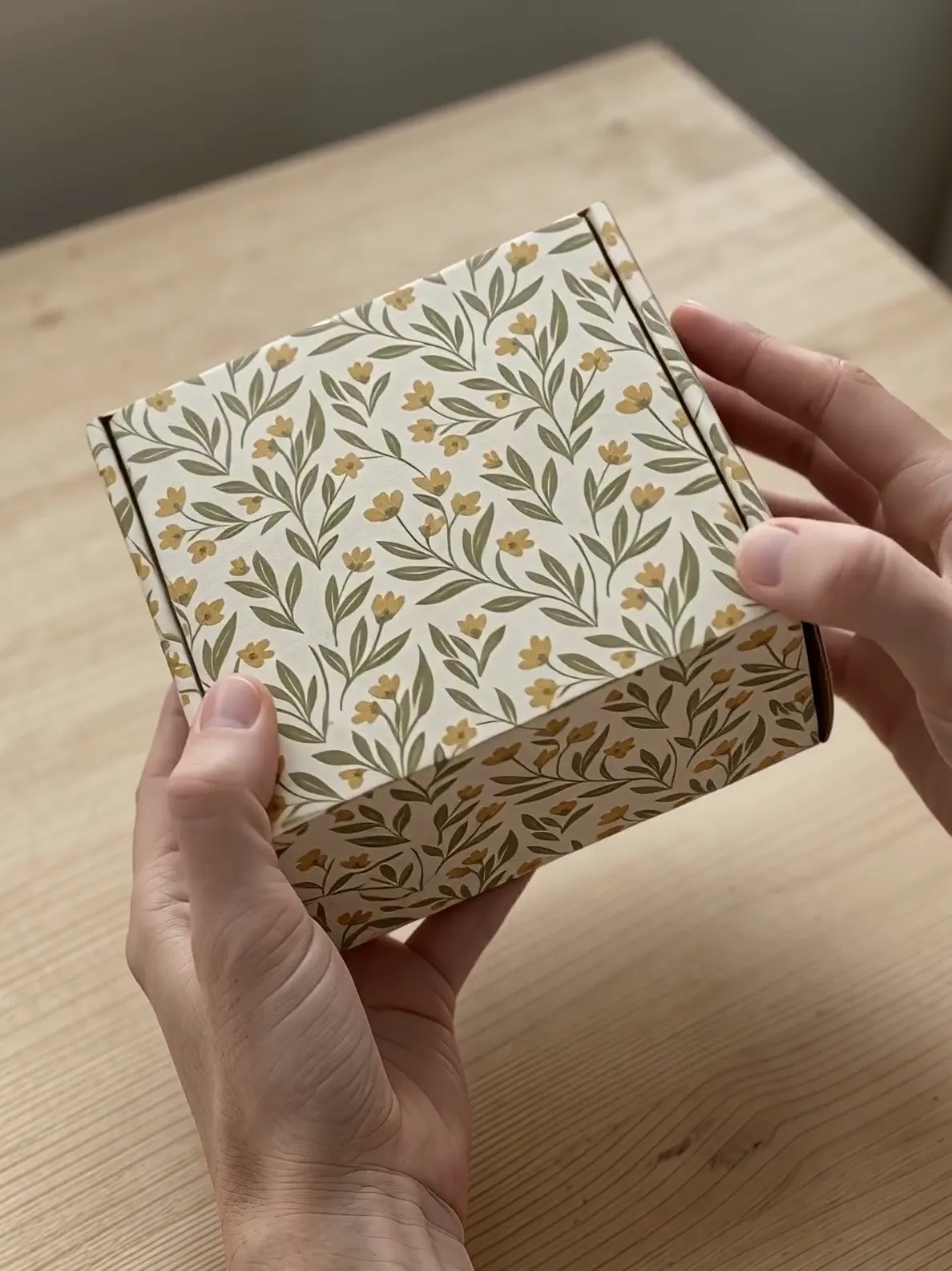
Two hands turning a kraft gift box, after the Packaging refresh edit
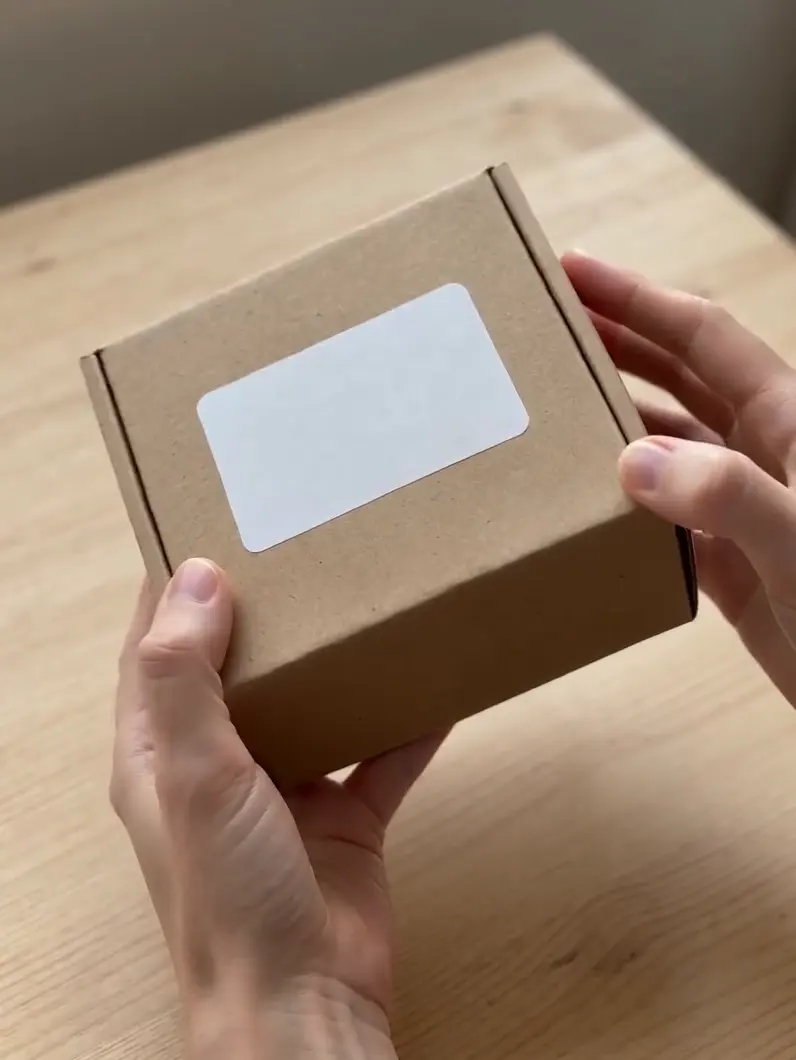
Two hands turning a kraft gift box, original shot
OriginalEdited
Packaging refresh: leaf-and-flower print
Packaging refresh · leaf-and-flower print

01

One clip, a whole shelf of variants

Product video makers usually work one of two ways: they animate a still photo into a short clip, or they generate a whole scene from text. Both lose what makes a seller’s own footage convincing, which is the real hand, the real weight of the product and the real light of the room. unividai.com keeps your take and changes only the product. Film a sneaker once and render it in six colours; film last year’s bottle and swap in this year’s; film a box and put the new artwork on it. Every variant shares the same camera move, so a listing grid or an A/B test compares the product and nothing else.

02

Swap product, Colourways and Packaging refresh

Swap product takes a photo of the new item, ideally on a plain background, and puts it in the old one’s place, size, angle and motion. Colourways keeps the shape, finish, label text and logo placement and changes only the body colour, once per colour you name. Packaging refresh wraps your new label or box art onto the same box, bottle or pouch, following its curves and folds. Standard quality runs on Wan 2.7 VideoEdit and suits most products; HD runs on HappyHorse 1.0 video-edit and holds up better on close-ups, hands and reflective surfaces.

03

What it will not do

People in a clip are never changed: no face, identity or body edits, and a reference photo with a face in it is refused. Only use products, logos and artwork you own or have permission to show; the studio asks you to confirm this and checks reference photos before anything is charged. It will not remove logos, watermarks or text from footage, and it is not meant for passing off a different product as the one a buyer will receive. Show buyers the product they will get.

Credits per render

Credit packs start at $19.09 and the largest plan is $494.90 a year; the total for your trimmed clip shows on the render button before anything runs. Plans and credit packs

Credits per job by quality
JobCreditsModel
Preview frame (one still)28Nano Banana 2.1
Standard render, 720p100 per secondWan 2.7 VideoEdit
Standard render, 1080p119 per secondWan 2.7 VideoEdit
HD render, 720p298 per secondHappyHorse 1.0
HD render, 1080p510 per secondHappyHorse 1.0

Questions

Does it generate a video from a product photo alone?

No. It needs a short clip you filmed. The photo you add is a reference for the new product, set or packaging; the motion, hands and camera move all come from your clip.

How many colourways can I render at once?

Up to six from one clip. Each colour is its own render, charged and refunded on its own, and a large batch asks you to confirm before it starts.

Can the product swap change its size or shape?

It works best when the new product is close in size and shape to the old one. A very different shape, such as a tall bottle in place of a flat box, can make the hands look wrong; check the preview frame first.

Which marketplaces is it for?

Any that take short MP4 clips: crop to 9:16 for TikTok Shop and Reels, 1:1 for feeds, or 16:9 for product pages, and render at 720p or 1080p.

Can I change the person holding the product?

No. unividai.com edits products, never people. Hands and people in the clip stay as filmed.