HappyHorse AI video edit for product clips

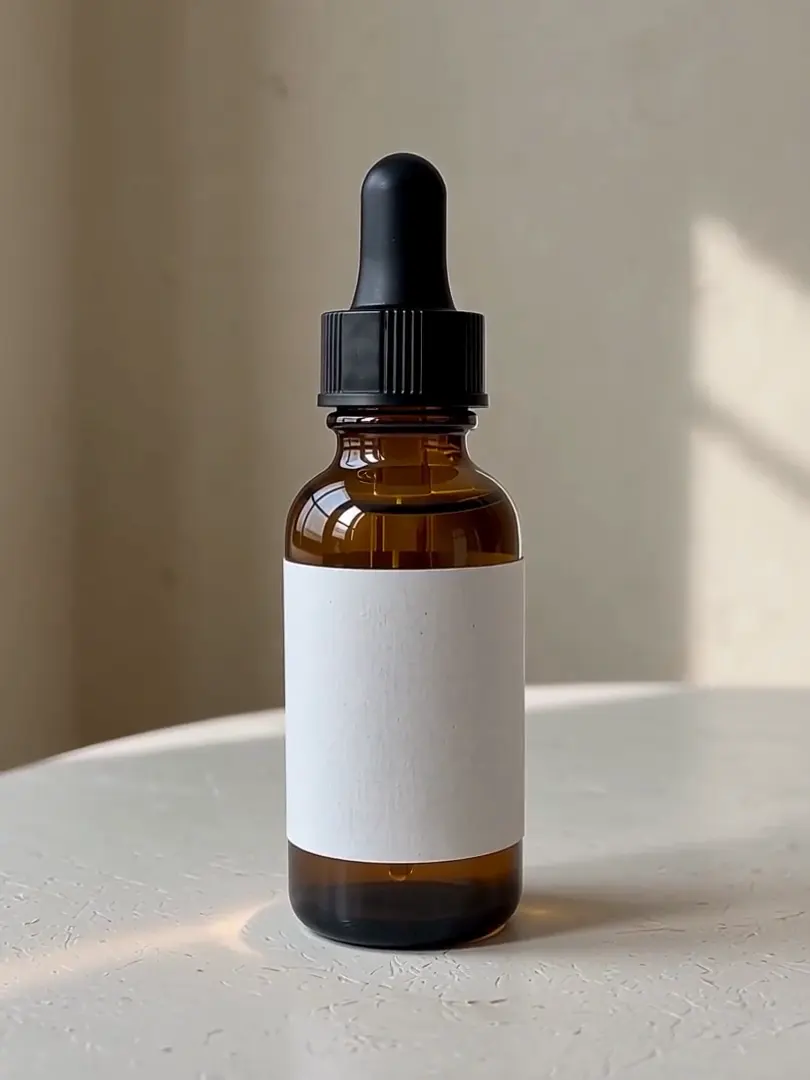
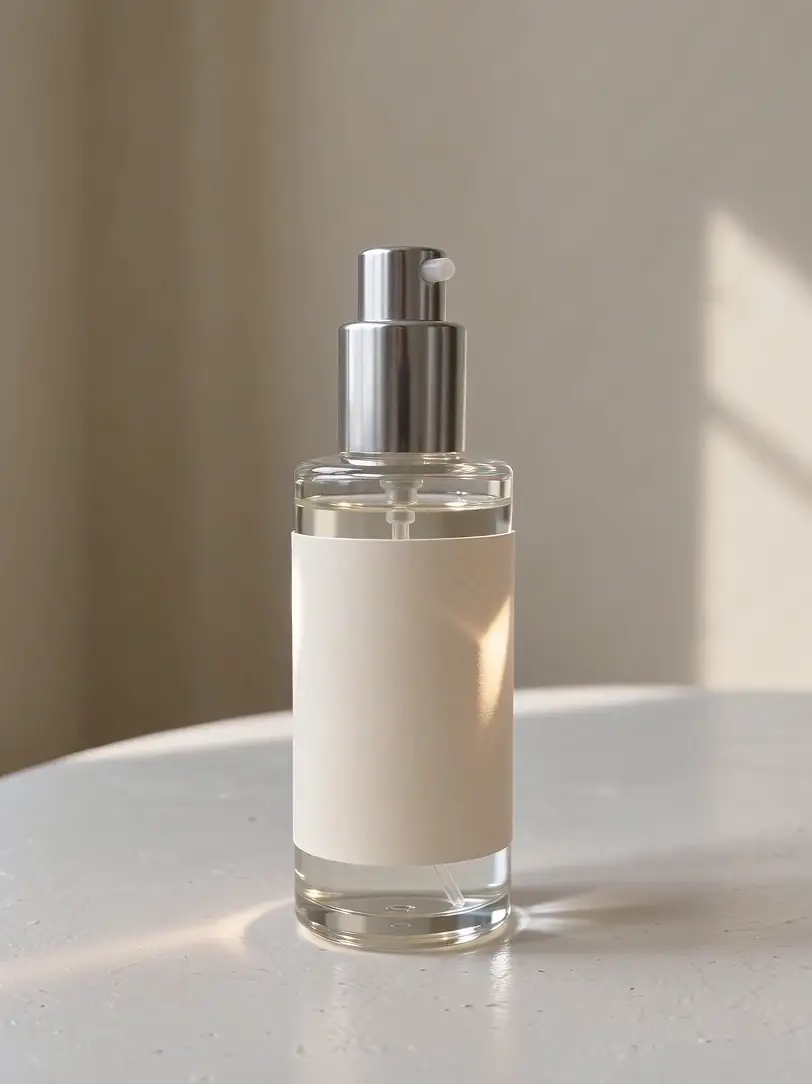
Fingertips turning a glass pump bottle on a table, after the Swap product edit
Fingertips turning a glass pump bottle on a table, original shot
OriginalEdited
Swap product: amber dropper bottle
Swap product · amber dropper bottle

Drop a clip to edit

MP4 or MOV, up to 95 MB. Edits take 3 to 10 seconds; you trim the part next.

Task

One product, plain background, no people. JPG, PNG or WebP, at least 300 px a side, up to 10 MB.

Quality

Output

Point at the product if the shot holds more than one. People in the clip stay as they are.

Sign up for 28 free credits

28 credits once after you confirm your email: one preview frame of your clip.

HappyHorse is a model by Alibaba, named here only to say which model runs the HD quality. unividai.com is independent and not affiliated with Alibaba.

HappyHorse 1.0 is Alibaba’s video model, and its video-edit mode rewrites an existing clip from an instruction and reference images. On unividai.com it is the HD quality of the product studio: upload a 3 to 10 second product clip, pick Swap product, Change set, Colourways or Packaging refresh, choose HD and the edit runs on HappyHorse 1.0 video-edit at 720p or 1080p. This page is about editing clips you filmed; it does not generate videos from text. A preview frame shows the edit on one still before you render.

Updated

How it works

  1. 1

    Upload your product clip

    Drop an MP4 or MOV and trim 3 to 10 seconds. Crop to 9:16, 1:1 or 16:9 and mute it if you like, all free.

  2. 2

    Pick a task and HD

    Choose the task and add its reference: the new product photo, a set, your colours or the new label art. Select HD to run the edit on HappyHorse 1.0 video-edit, then check a preview frame.

  3. 3

    Render at 720p or 1080p

    The HD price for your trim shows before you start. Compare the result with the original, download it, or switch the same job to Standard if the shot does not need HD.

Good for

  • Close-ups where the product fills most of the frame
  • Hands turning or opening a product
  • Glass, metal, gloss and other reflective packaging
  • Hero shots for a product page where detail matters
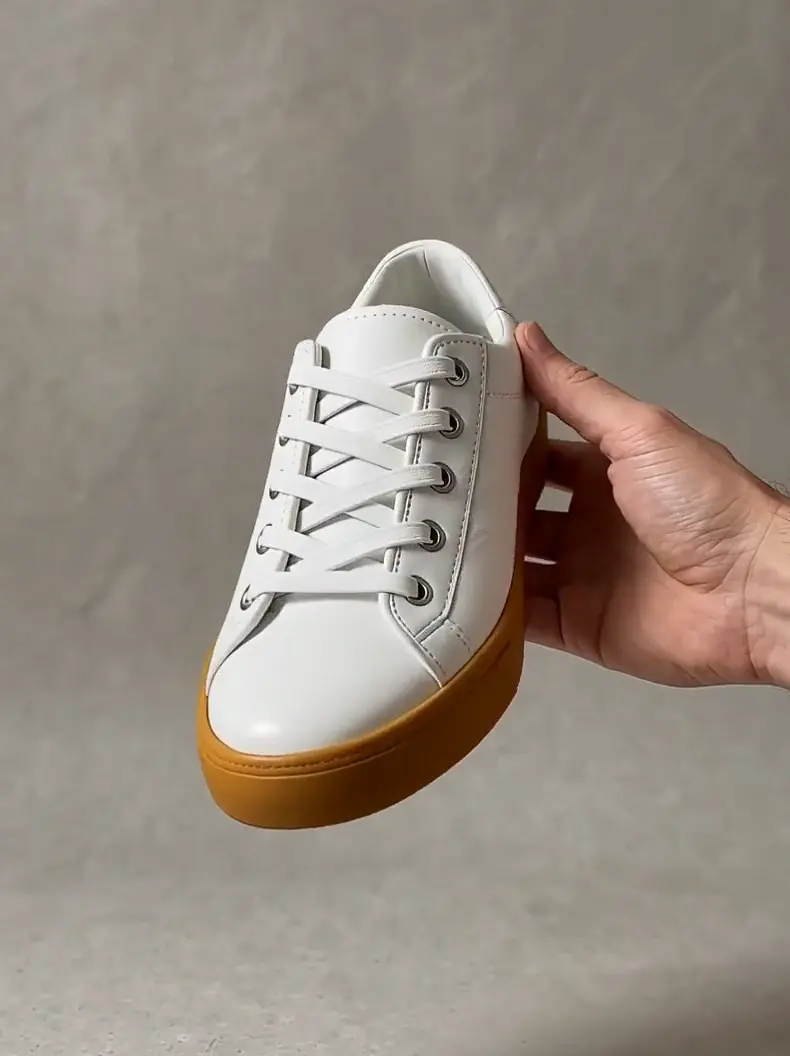
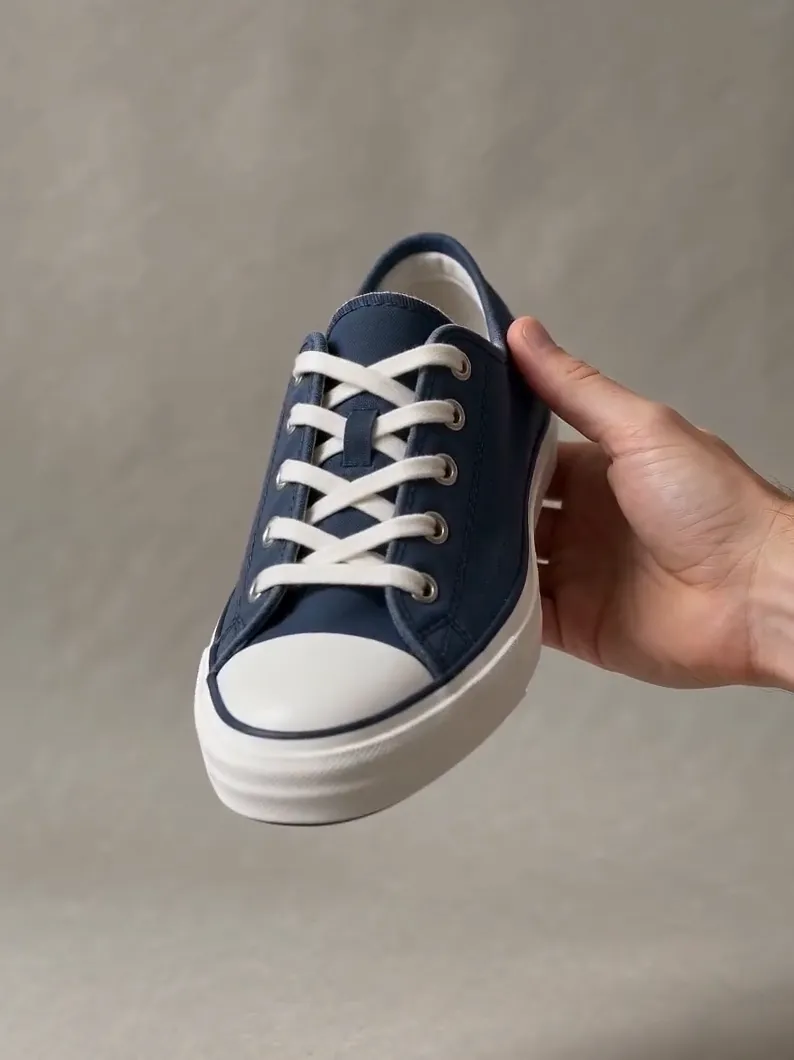
A hand turning a canvas sneaker, after the Swap product edit
A hand turning a canvas sneaker, original shot
OriginalEdited
Swap product: white leather sneaker
Swap product · white leather sneaker

01

What HappyHorse 1.0 video-edit does

HappyHorse 1.0 has a single entry for several jobs, and its edit mode takes an existing video plus up to five reference images and an instruction, and returns the same clip with the change applied. The output keeps the length of the input. We use that mode only: your clip goes in with the reference you added and a product-focused instruction we write for the task, and the hands, camera move and timing come back as filmed. Your note, if you add one, is folded into that instruction.

02

HD or Standard: when HappyHorse is worth it

Standard runs on Wan 2.7 VideoEdit and is the default because it handles most swaps, sets and colourways well at a lower price per second. HD on HappyHorse 1.0 costs more per second and earns it on harder shots: a product held close to the lens, fingers wrapping around a bottle, a reflective box that mirrors the room, or fine print on a label. If your Standard preview frame looks soft around the hands or the edges of the product, run the HD preview before you render.

03

Independence and naming

unividai.com is independent and not affiliated with Alibaba. HappyHorse and Wan are named here only to say which model runs each quality; we do not use their logos or branding, and this is not an official HappyHorse site. The models behind each quality are listed in our terms. People in your clip are never changed, whichever model you pick.

Credits per render

Credit packs start at $19.09 and the largest plan is $494.90 a year; the total for your trimmed clip shows on the render button before anything runs. Plans and credit packs

Credits per job by quality
JobCreditsModel
Preview frame (one still)28Nano Banana 2.1
Standard render, 720p100 per secondWan 2.7 VideoEdit
Standard render, 1080p119 per secondWan 2.7 VideoEdit
HD render, 720p298 per secondHappyHorse 1.0
HD render, 1080p510 per secondHappyHorse 1.0

Questions

Is this the official HappyHorse website?

No. unividai.com is independent and not affiliated with Alibaba. We run HappyHorse 1.0 video-edit as the HD quality of our product video editor.

Can I generate a video from text with HappyHorse here?

No. This site only edits clips you upload: swapping the product, changing the set, rendering colourways or new packaging. It does not make new videos from a prompt or an image.

What resolutions does HD render?

HD renders at 720p or 1080p, the same as Standard. The output keeps the length of your trimmed clip.

Can HappyHorse change faces in my clip?

Not here. unividai.com never changes people: no face, identity or body edits, whichever quality you choose.

What if an HD render fails?

Its credits return to your balance automatically. You can retry, or run the same job in Standard.